A clear voiceover does not require a professional studio. A quiet room, a suitable microphone, and a little preparation can make your narration easier to hear and edit. The goal is to capture a natural performance with as little distracting noise as possible.
Choose a quiet place
Pick a room away from traffic, appliances, and other interruptions. Rooms with curtains, carpets, books, or upholstered furniture often sound less echoey than rooms with many bare, hard surfaces. Turn off anything noisy that you can safely switch off, and silence notifications on nearby devices.
Before recording, say a few sentences and listen back with headphones. If you hear a strong echo or background hum, try another position in the room or add soft furnishings nearby.
Set up the microphone
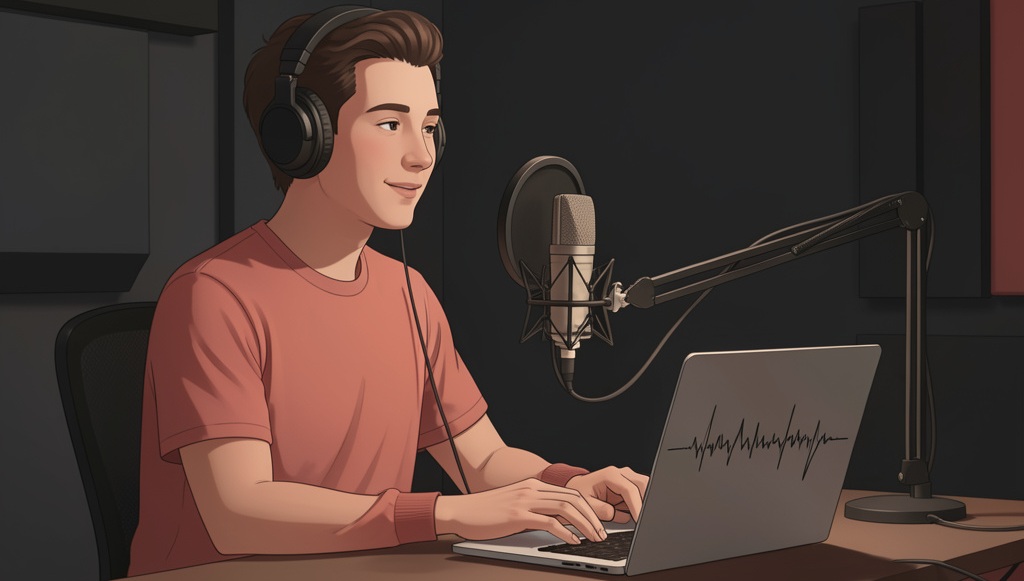
Use a microphone you already have, such as a USB microphone or a phone with a suitable recording app. Place it about a hand’s width from your mouth and slightly to one side. Speaking directly into the microphone can make breath sounds and harsh consonants more noticeable.
Keep the microphone and your position steady. Moving closer or farther away during a sentence can make the volume change from one moment to the next.
Prepare the script
Read the script aloud before recording. Rewrite sentences that feel awkward to say, mark places to pause, and check pronunciations of names or technical terms. Keep a glass of water nearby and give yourself time to settle into a comfortable pace.
You do not need to sound like an announcer. Aim for a clear, relaxed delivery, as if you were explaining the subject to one person.
Make a test recording
Record a short sample and listen for background noise, echo, uneven volume, and clipped words. If the sound distorts, lower the recording level or move slightly farther from the microphone. Wear headphones while monitoring so you can notice problems that are easy to miss through speakers.
Once the setup sounds right, record the full narration in short sections. If you make a mistake, pause, repeat the sentence, and continue. A few seconds of silence before and after the narration can also make editing easier.
Edit without overprocessing
Remove mistakes and long distracting pauses, but keep the performance natural. Apply noise reduction lightly: too much can make a voice sound thin or artificial. Check the finished audio on headphones and speakers at a comfortable volume.
Save an untouched copy of the original recording. Give the edited file a clear name and keep it with the related video project.
Quick checklist
- The room is quiet and does not sound strongly echoey.
- The microphone stays in a steady position.
- The narration is easy to understand and not distorted.
- Mistakes and distracting pauses are edited out.
- The original recording is saved separately.