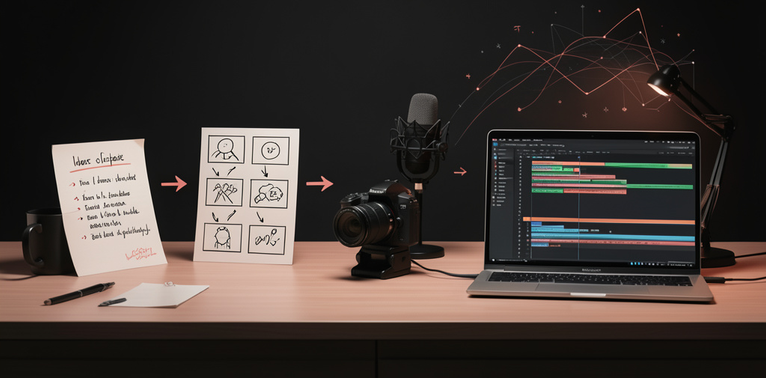
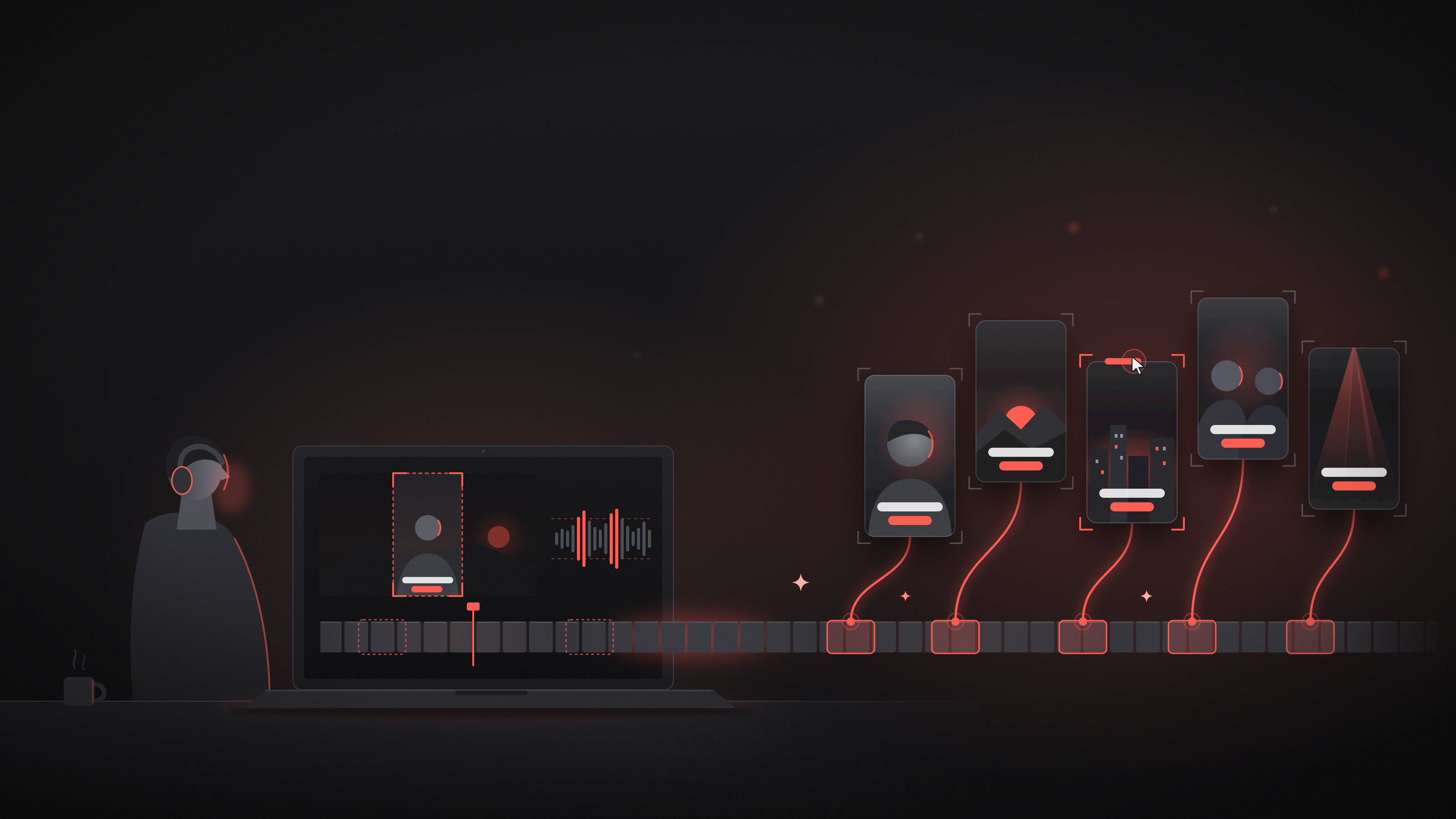
One useful way to get more from a video is to turn its strongest moments into short clips. A long tutorial, interview, presentation, or demonstration may contain several ideas that can stand on their own. AI can help you find possible highlights, prepare vertical versions, and create captions. You still need to review each clip to make sure it is clear and accurate.
Start with a goal
Before opening an editing tool, decide who the clip is for and what you want viewers to take away. Is it a quick tip, a surprising moment, a short explanation, or a preview of the full video?
A clear goal makes it easier to choose useful moments. It also helps you avoid making clips that are short but confusing.
Find promising moments
If your video has a transcript, use it to scan for complete thoughts, practical advice, questions, or changes in topic. Some AI editors can suggest highlights or locate moments based on a short description. Treat these suggestions as a starting point: an automated selection may miss context, include a pause, or cut off the most important part.
Watch each candidate with the moments before and after it. A strong clip usually makes sense on its own: it introduces an idea, develops it, and ends naturally. If viewers need background information, add a brief introduction or choose a different segment.
Reframe the video
A vertical crop can work well for a person speaking, but the subject may move out of frame. Check the entire clip, especially when the speaker turns, gestures, or demonstrates something. Adjust the framing so the important person or object remains visible.
For demonstrations with several details, a vertical crop may hide useful information. Consider a different layout or keep that moment in a wider format.
Add and review captions
Automatic captions can save time, but they may mishear names, technical terms, accents, or speech recorded over background noise. Read the captions while listening to the video and correct any mistakes.
Keep captions easy to follow. Use short lines, avoid covering faces or important details, and make sure the text stays on screen long enough to read. Captions should support the speaker, not compete with the video.
Review before sharing
Watch the finished clip from beginning to end. Check that the first seconds make the topic clear, the ending does not cut off abruptly, and the audio is comfortable to hear. Confirm that the crop, captions, and any added graphics look right on a small screen.
Also check that you have permission to use the footage and that you are comfortable uploading it to the AI service you chose. Avoid uploading private or sensitive recordings without understanding how the service handles them.
Keep your project organized
Save the original video separately from the short edits. Give each clip a descriptive filename, such as interview-budgeting-tip-01, and keep its transcript or notes nearby. This makes it easier to revise a clip later or create another version.
AI can speed up the first pass, but your review gives each clip its purpose and context. Start with a few strong moments, edit them carefully, and use what you learn to improve the next batch.
Quick checklist
- The clip communicates one clear idea.
- The selected moment makes sense without missing context.
- The subject and important details stay visible.
- Captions match the spoken words and are easy to read.
- The beginning, ending, and audio have been reviewed.
- The footage is appropriate to upload and share.